Splines expander.
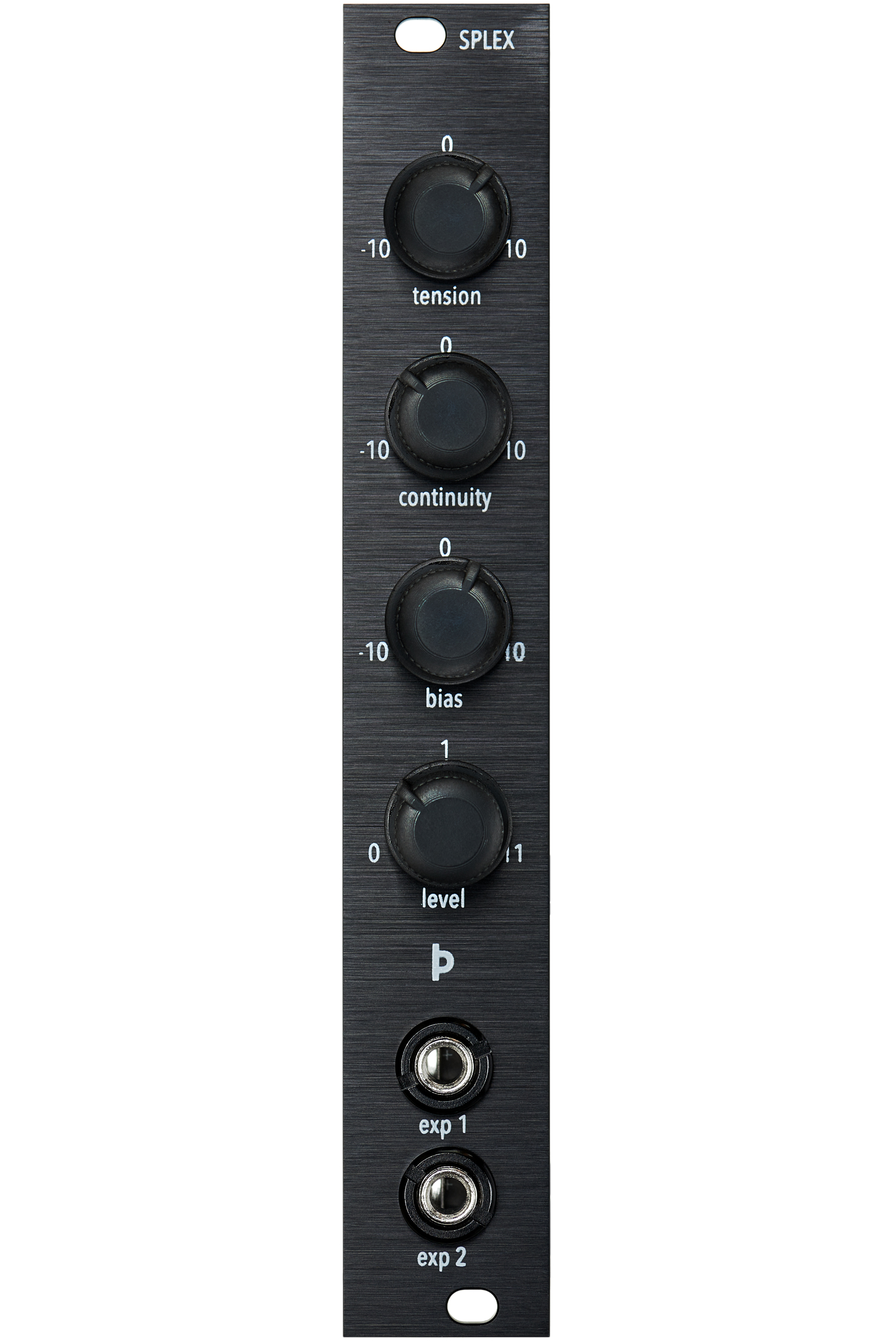
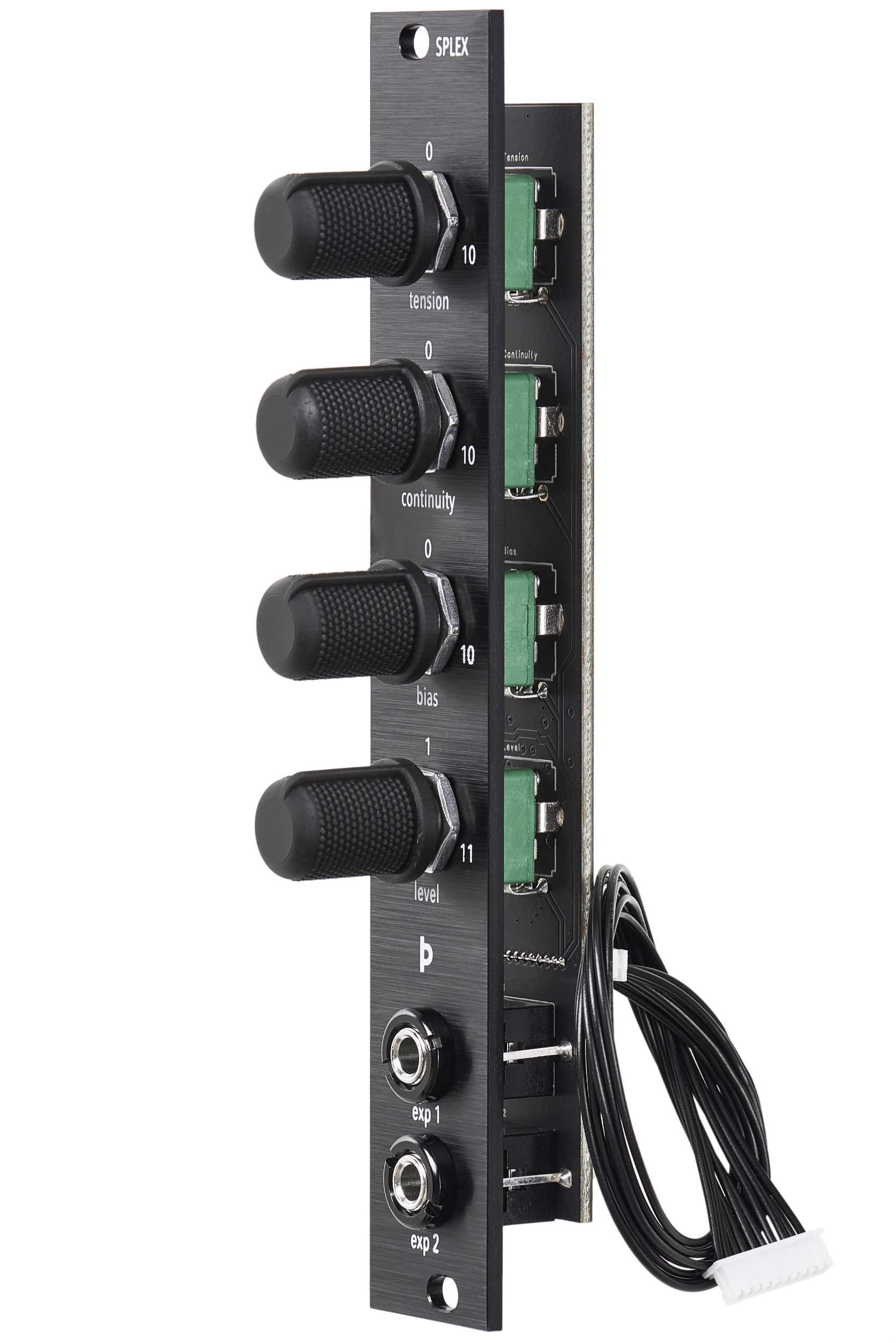
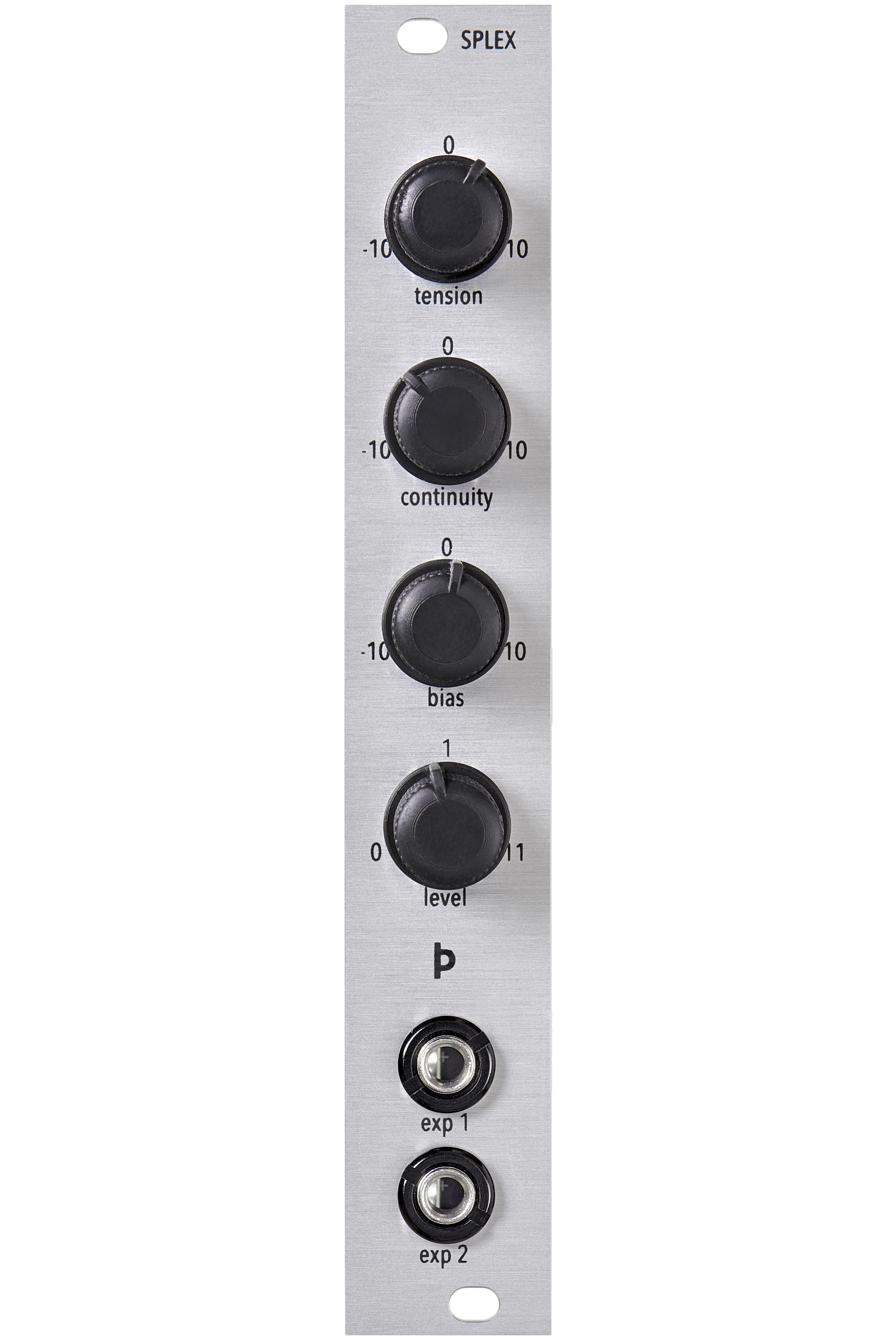
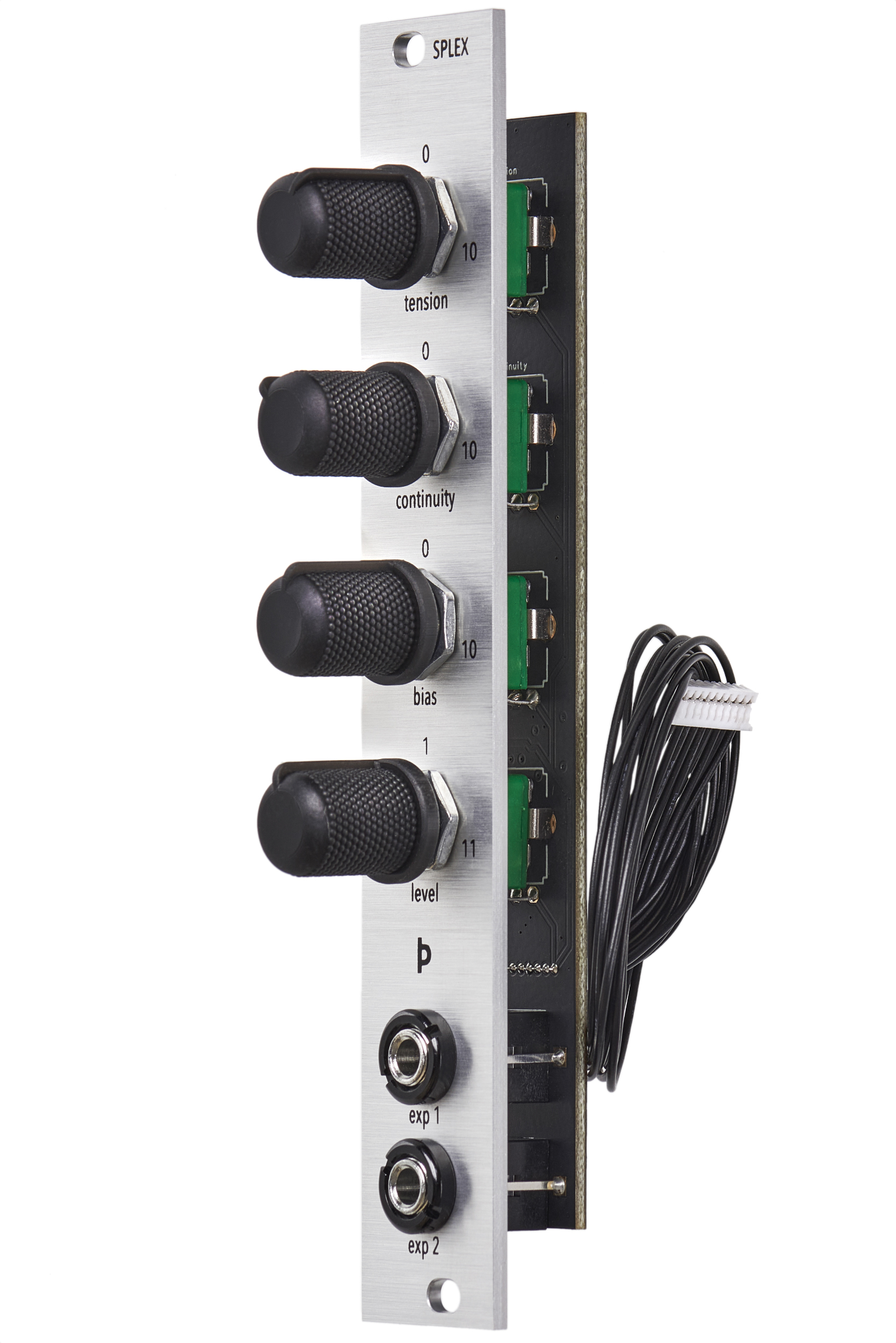
The Splex splines expander consists of four dedicated knobs for controlling the key parameters; Tension, Continuity, Bias and Level. The knobs control the offset voltage for the CV inputs, which is summed with the incoming CV, allowing you to manually change the value while also modulating the parameter over CV at the same time.
It additionally provides two more CV inputs which are freely assignable to any parameter such as Zoom, Scroll, Blend or Glide, or multiple parameters at the same time. The amount of modulation per parameter can be independently set using the CV scope Gain and Offset settings.
Inputs/outputs.
CV voltage range: +-5v Input trigger/gate: 0-5v CV input res.: 12 bits CV input sample rate: 1kHz
Power.
+12v: 10mA -12v: 10mA 5v: 0mA
Dimensions.
Depth: 15mm Width: 4hp Height: 3u
Getting started.
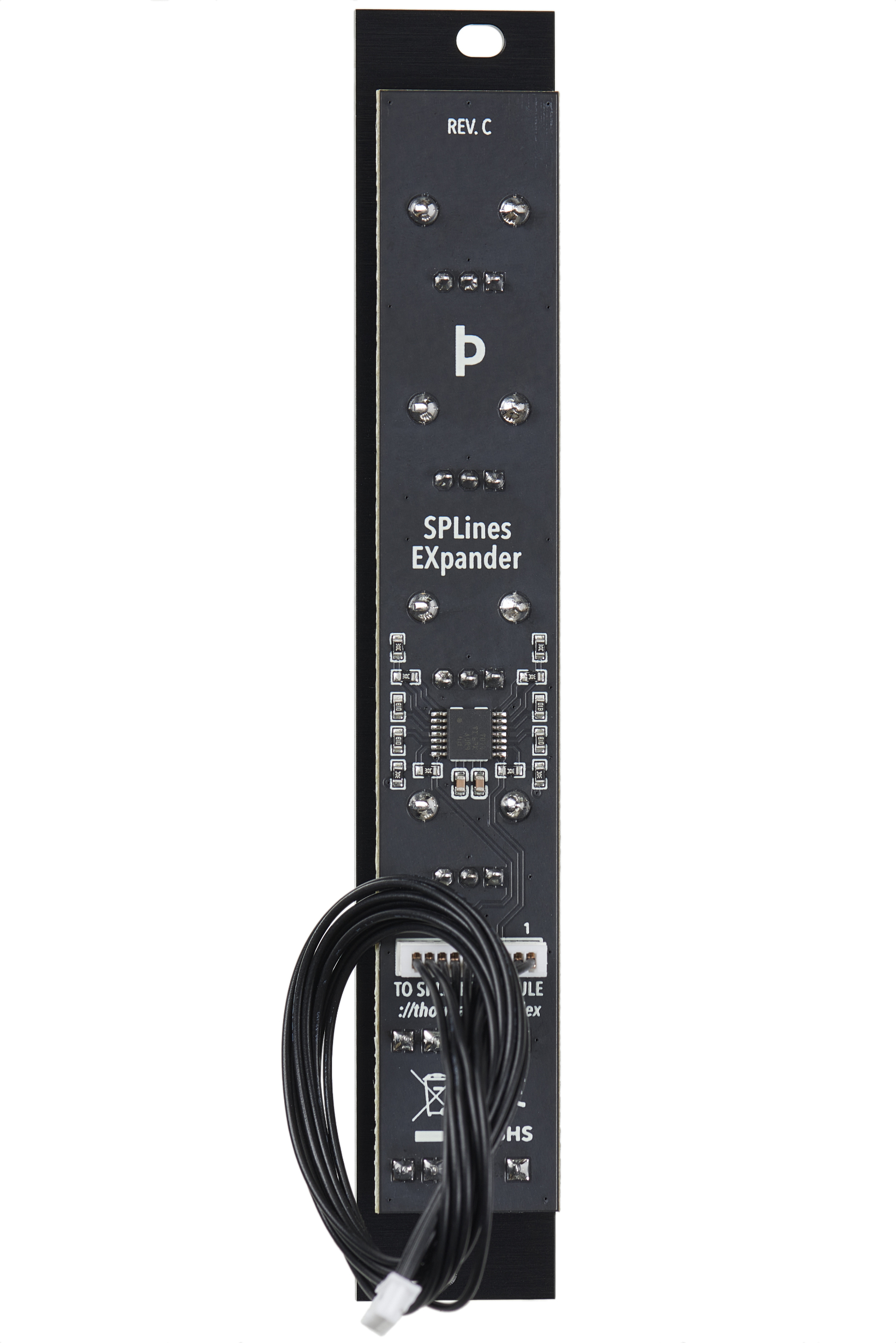
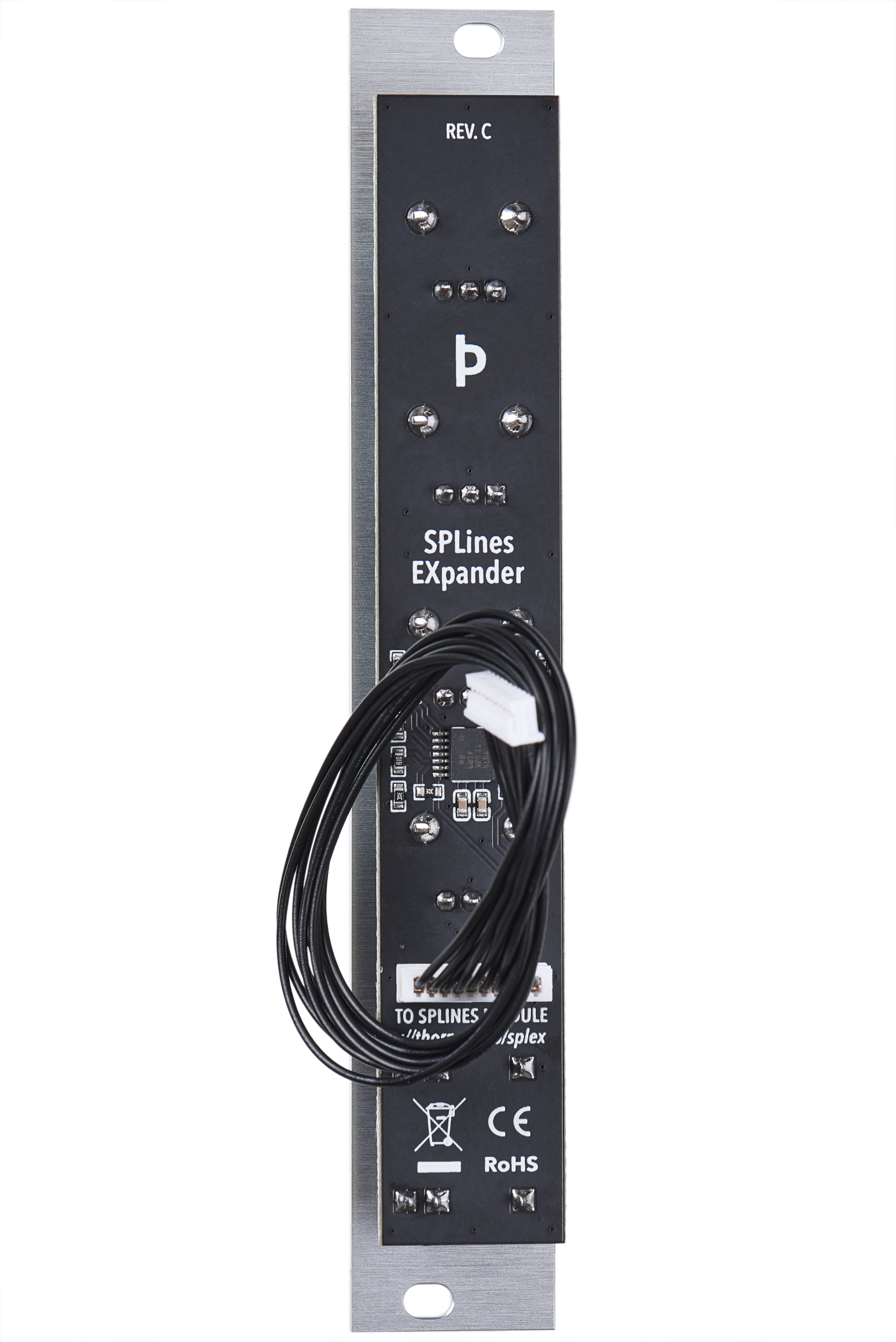
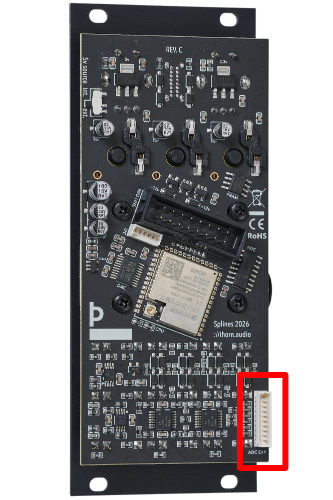
Connect the expander cable to the connector on the main module labeled ADC Exp. Mind the orientation of the connectors. The cable comes with a half knot on it to shorten it, but you can undo this if you would like to place the expander in the row above or below the main module.
Firmware.
Firmware version 1.2.0 adds several new settings and functions;
Blend: Mixes the end of the spline with the part preceding the start, making the transition loop smoothly independently of the zoom setting and spline shape. The range is 0 to 50% of the visible spline. If zoomed all the way out, it has no effect.
Glide: Interpolates the v/oct CV readings, making soft transitions between notes or changes in frequency modulation and transposition. The value is a rate of change, not a fixed time. This is musically more pleasant I find.
Exp 1 and Exp 2: The expander inputs now have one settings page each with toggles for what they should affect. You can turn on multiple values here, and then go to the CV scope to change how much impact the CV should have, invert it, offset it etc.
System: The system related settings such as calibration procedures, restart in USB mode, display settings, and firmware version are now in a separate System page.
Additional firmware changes:- Quantiser root frequency is now visible and editable in the settings page.
- The calibration hotkey combo in CV scope view has been removed, it now only launches from the System page.
- We now have two calibration procedures, one for the expander only and one for the main module, to avoid always having to recalibrate the main module.
- CV jitter filtering is improved and snappier, making the module respond faster to incoming CV and removing an issue that was causing stepping.
- As in the release candidate version of the firmware, the v/oct and sync inputs are polled at 6kHz while the other CV inputs are only polled at 1kHz.
- The sync input now has an alternate mode as a pitch bend and direct phase control input, allowing you to pan through the spline using CV. Entering this mode disables the sync features.
- The expander inputs can also function as an additional reset input now, in case Sync is used for other things.
- Turning on External Clock now automatically enables Step as well, since the options are co-dependent. Turning off Step disables External Clock.
Retail outlets coming soon:
Product photos.